RunPack
Training plans
Running plans that tell you when to run and when to walk.
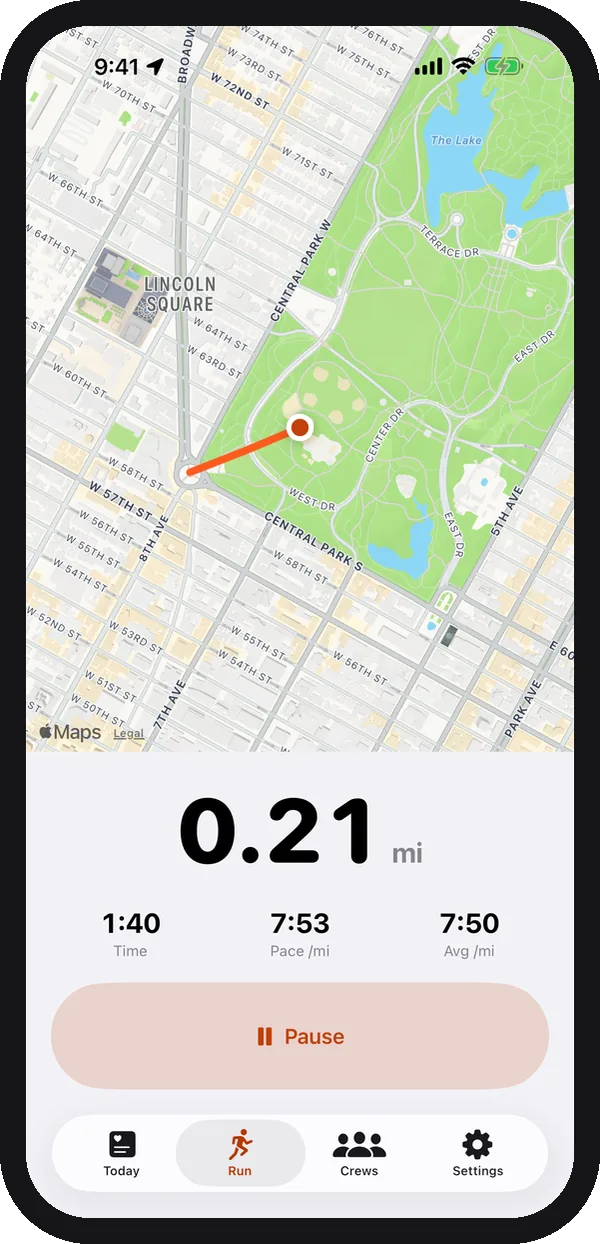
Three plans in RunPack for iPhone: Start running, 5K faster and 10K. Pick one, tap the day’s workout, and your phone buzzes at every change. Your crew sees each workout you do in their feed.
The three plans
Start running Beginner · 8 weeks · 3 runs a week
From no running to 30 minutes nonstop, about a 5K. Week 1 is run 1 minute, walk 1½ minutes, eight times; the runs get longer and the walks shorter until week 8 is 30 minutes of running. Every workout starts and ends with a 5-minute brisk walk.
More detail: Start running with friends.
5K faster Runs 5K now · 6 weeks · 3 runs a week
For people who already run 5K and want to take time off it. Each week has one harder session (3-minute fast repeats, or a tempo run in weeks 3 and 5), one easy run and one longer easy run of up to 55 minutes. The last week is lighter.
More detail: 5K training plan.
10K Runs 30 minutes now · 8 weeks · 3 runs a week
For people who can run 30 minutes. Each week has a quality session (4-minute repeats or a tempo run, alternating), an easy run and a long run that builds from 40 to 75 minutes. Week 8 is lighter, ending with an hour of running.
More detail: 10K training plan.
How a plan workout works
1. Pick today’s workout
The Today screen shows the next workout in your plan, like “Run 1:00 / walk 1:30 × 8”.
2. Follow the buzz
At each change your iPhone buzzes and a banner says what’s next: run, walk, easy, fast or recover.
3. Share it with your crew
The run lands in your crew’s private feed with the workout label, so friends see you’re on week 3.
Questions about the training plans
Are the training plans free?
Yes. All three plans are in the free app; they don’t need RunPack Plus.
Do I need an Apple Watch?
No. RunPack records the run with your iPhone’s GPS. If you wear an Apple Watch or a Garmin, those runs still show up in your crew’s feed.
How do I know when to run and when to walk?
Your iPhone buzzes and shows a banner at every change. With the screen locked, you get a vibration and a notification. RunPack never plays sound, so your music or podcast keeps going.
What does my crew see?
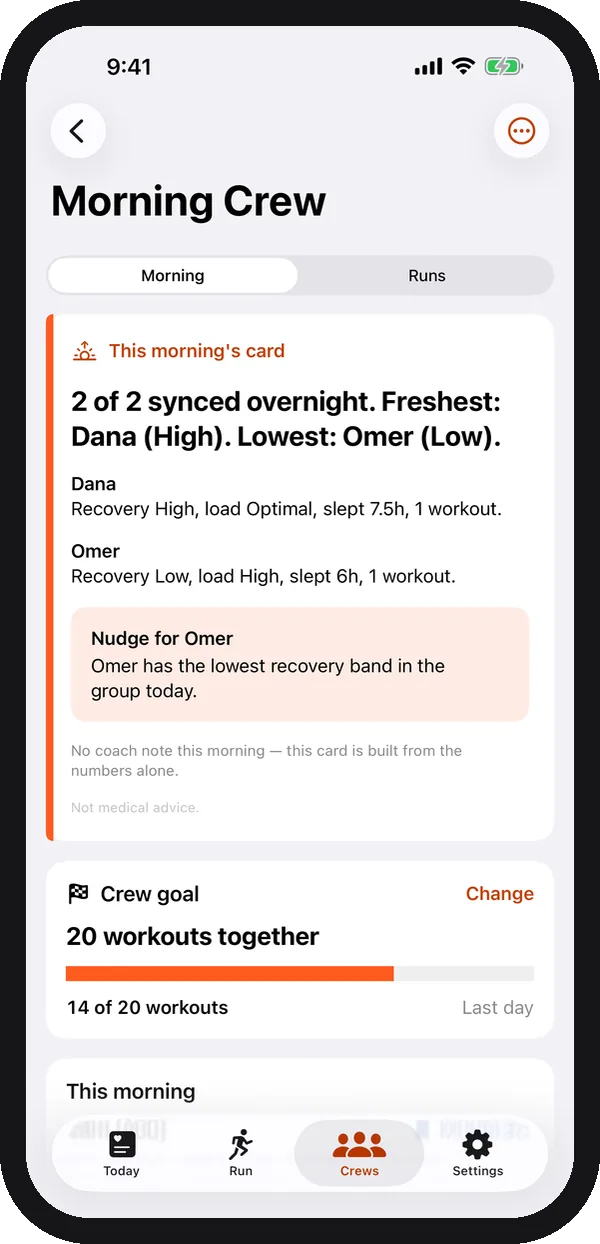
Your run shows up in the crew’s feed as usual, labelled with the workout, for example “Start running · W2 R1”. The crew board also shows who is training on a plan. Your progress is saved on your phone.
Which plan should I pick?
If you don’t run yet, or can’t run 10 minutes without stopping, start with Start running. If you already run 5K, pick 5K faster. If you can run for 30 minutes, the 10K plan builds you up to 10K.
Can I start a plan workout quickly?
Yes. Say “Start a run in RunPack” to Siri, or use the RunPack button in Control Center, the Action button or the Home Screen widget.
Related guides
- Couch to 5K with friends
- Running tips for beginners
- Interval training for runners
- How to run faster
- 10K training with friends
Training with friends? See how a running crew works in RunPack.
Start your first plan workout.
Free on iPhone, no watch needed. Run with a plan, and share every workout with your crew.
Download on theApp Store